
Renplay documentation
Playing
Play on phones and computers, install the home-screen app, and move saves to and from desktop Ren’Py.
On a computer
Section titled “On a computer”Open the game and press Play. The game paces itself to your display. A toolbar offers saves, fullscreen, mute and display options. Up next on the library home opens your latest save straight away; mark a story Finished on its page to leave it out.
On a phone
Section titled “On a phone”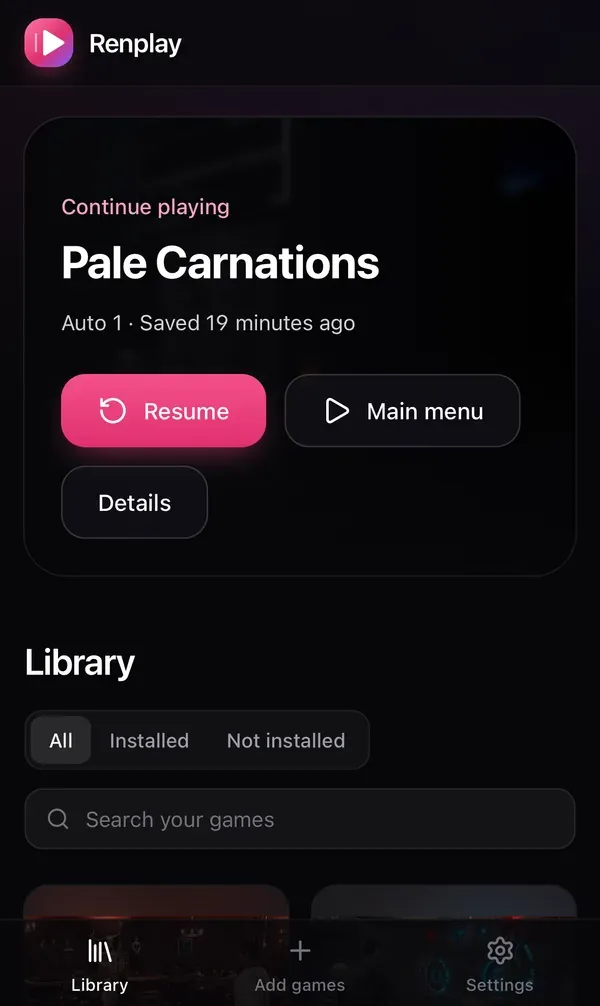
Open Renplay in the phone’s browser and hold the phone sideways. The game fills the screen around the camera cutout. Every screen works with touch only.
iPhone and iPad: add it to the Home Screen
Section titled “iPhone and iPad: add it to the Home Screen”Safari cannot show a web page full screen, but a home-screen app can.
- Open Renplay in Safari.
- Tap Share, then Add to Home Screen.
- Open Renplay from the new icon.
The player explains this itself where a fullscreen button would not work.
Android
Section titled “Android”Use the fullscreen button in the player.
Serve Renplay over HTTPS so the browser can cache the game and the home-screen app works; see Reverse proxy and HTTPS.
Saves and history
Section titled “Saves and history”- Saves, autosaves and progress go to your server as you make them. Open the same game on another device and its saves are there.
- They are stored the way desktop Ren’Py stores them.
- Every overwrite and delete keeps the earlier version.
RENPLAY_SAVE_HISTORYsets how many versions are kept per save file (20 by default). Look at them in the game’s saves view. - Uninstalling or reinstalling a game never deletes saves.
Export to desktop Ren’Py, and import from it
Section titled “Export to desktop Ren’Py, and import from it”Export a game’s saves from its page, or all of them in Settings. Put the files in the desktop game’s save folder and it loads them. The other way works too: import a desktop game’s saves into Renplay.
Walkthroughs and play time
Section titled “Walkthroughs and play time”A game can have a walkthrough PDF next to it in the player. Renplay counts the time a game is open and visible, and shows it with your latest save. Time is counted from the moment you upgraded to a version that counts it.