
Renplay documentation
What is Renplay?
What Renplay is, what it plays, and what it does not do.
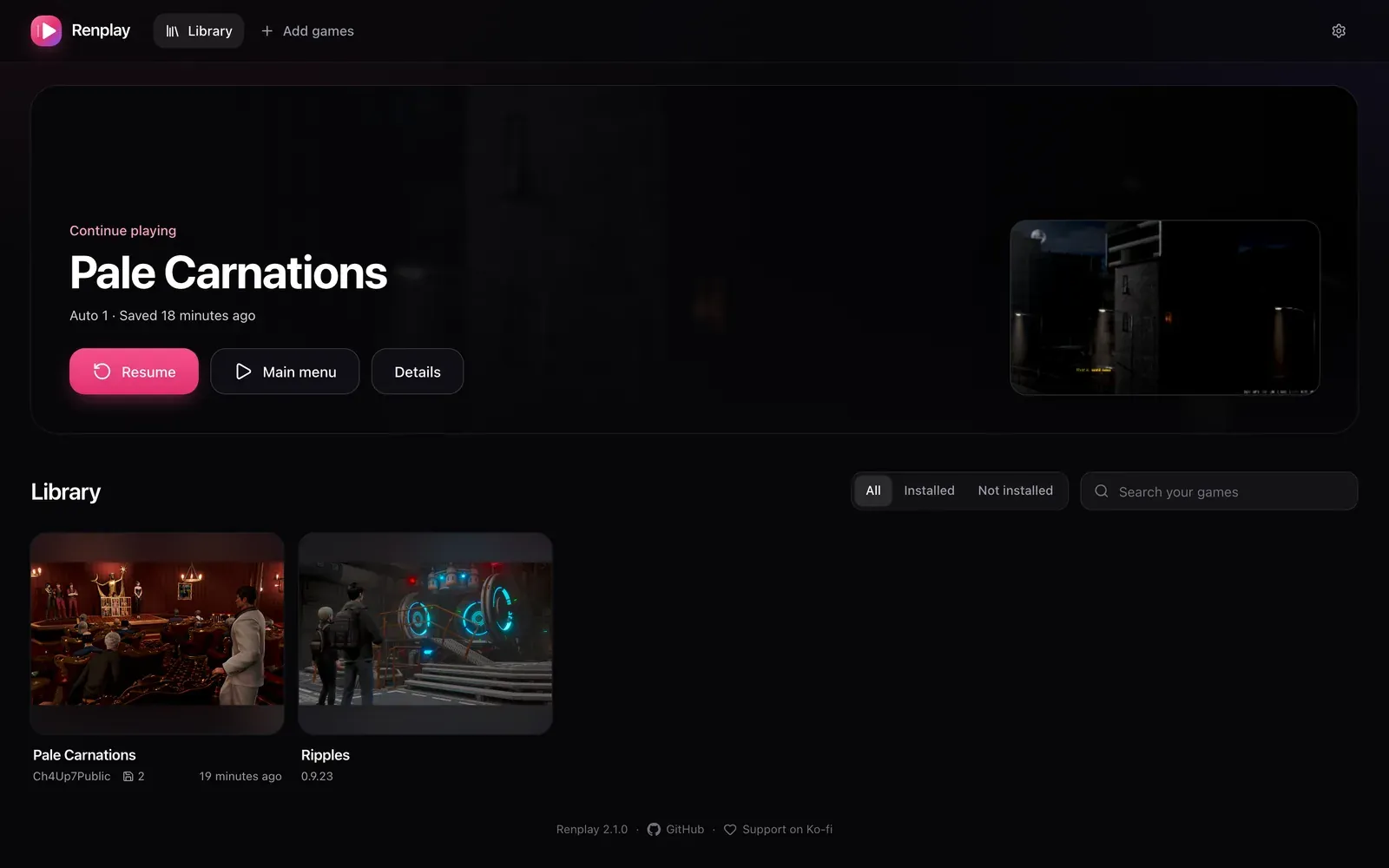
Renplay is a self-hosted library for the visual novels you download. You add a game’s normal PC download, press Install, and play it in any browser: on your computer, tablet or phone. Every save lands on your server the moment you make it, so you can stop on the laptop and continue on the phone.
What it plays
Section titled “What it plays”- Ren’Py games, the focus. Ren’Py 8 games, and most Ren’Py 7 games, which run on the Ren’Py 8 engine. Only games with Python 2-only code have trouble.
- HTML games, such as Twine stories, shown as Beta. Godot and Unity web builds install too. See Engines for what works and what does not.
Games come from their developers (itch.io, Patreon, Steam and so on). Renplay and its catalog never host game files.
How it works
Section titled “How it works”- Renplay reads the download, converts images to WebP, and builds a web version. No Ren’Py SDK is needed, and the game’s code never runs on your server.
- The game starts in the browser. Assets stream as the game needs them, and the engine and the game are cached in the browser.
- Saves, autosaves and progress sync to the server as you play, with earlier versions kept. They are laid out like desktop Ren’Py’s, so you can export them to the desktop version and back.
- The catalog gives known games their title, developer, cover and tested settings.
What it does not do
Section titled “What it does not do”- It has no user accounts. If Renplay is reachable from outside your network, put your own sign-in in front of it. See Reverse proxy and HTTPS.
- It does not download games for you. Add the file yourself.
- It does not play every engine. Programs made for Windows only, such as RPG Maker XP or Wolf RPG, cannot run in a browser.
Requirements
Section titled “Requirements”- A machine that runs Docker (or Kubernetes). The image is built for amd64 and arm64, so a server, a NAS or an ARM board all work.
- Disk space: an installed game takes about as much as its download. Put the games folder on a big disk.
- A modern browser on the device you play on.
Next: Quick start.